Open Source Pixel Art Tools Educators Can Use in the Classroom
At Endless Access, we believe creative technology should be accessible to everyone. That is one of the reasons we love open source tools. They lower barriers for educators and learners, make creative work more accessible across different environments, and allow communities to build, remix, and contribute to projects together.
Pixel art is one of the most accessible entry points for learners interested in creating art for games. With just a small grid and a limited color palette, learners can design characters, environments, and animations that feel immediately connected to real games.
For educators running game-making or digital creativity programs, pixel art works particularly well because it lowers the technical barrier to entry. Learners do not need powerful computers or complex software to begin creating meaningful visual assets. At the same time, pixel art teaches valuable concepts such as constraints, color palettes, composition, and animation.
Fortunately, several free and open source tools allow educators to bring pixel art into their classrooms. Each tool serves a slightly different purpose depending on the age of learners and the complexity of the project.
Below are a few of the most widely used options that we explored and loved.
Piskel
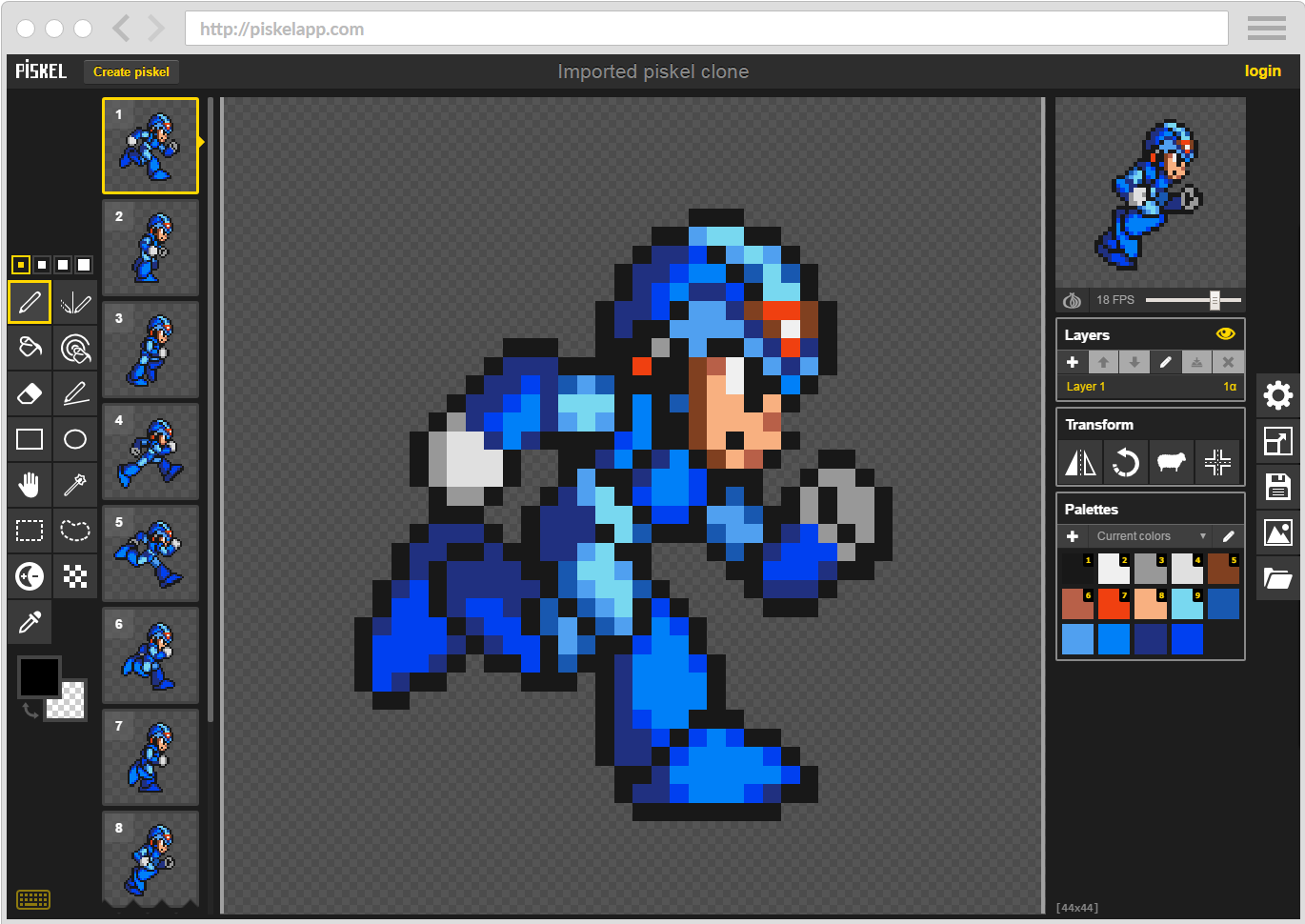
Piskel is one of the easiest pixel art tools for educators to adopt. Because it runs directly in the browser, learners can begin drawing immediately without installing software. It also includes built-in animation features that allow students to create animated sprites for games.
The simplicity of Piskel is one of its biggest strengths. Learners quickly understand the grid-based interface, and teachers can introduce animation concepts without additional tools.
Educators regularly highlight how engaging the tool can be for students. One computing teacher in Vermont, US who developed classroom lessons around Piskel noted that the activity worked extremely well in school environments, explaining that they had “used it very successfully with students in grades 4 through 8… and all have absolutely loved the topic.”
Educators interested in using Piskel can also explore a series of short tutorials created by our Learning Team. In these videos, Justin walks through how educators and learners can start creating pixel art using Piskel.
These tutorials our team has created can help facilitators quickly understand the tool and bring pixel art activities into their programs. Check them out!
How to Use Piskel – Beginner Tutorial for Game Asset Creation
Aseprite
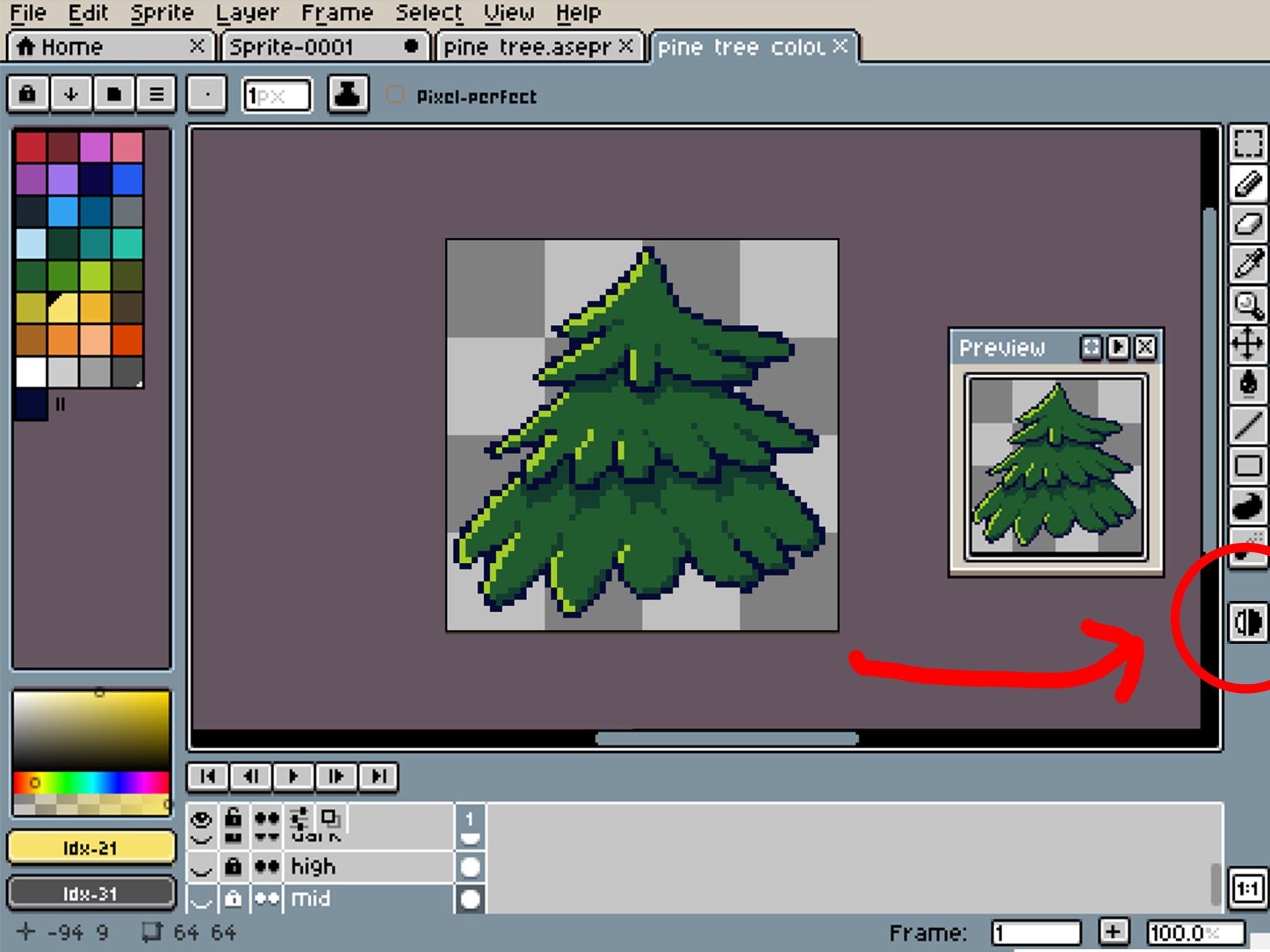
Aseprite is widely considered one of the most powerful pixel art tools available. It was designed specifically for pixel art creation and animation and includes advanced features such as layered editing, onion-skin animation previews, scripting support, and tilemap tools.
Many independent game developers rely on Aseprite because it allows artists to work efficiently on complex sprites and animations. Reviewers often emphasize how focused the tool is for this specific art style. One review described it as a lightweight tool designed specifically for creating pixel art and animations, highlighting features such as animation previews and tile editing workflows that streamline sprite creation.
For educators, Aseprite can be a great tool once learners move beyond beginner exercises. The workflow mirrors the tools used by professional pixel artists, making it useful for advanced students or specialized game development clubs.
However, the tool requires installation and licensing, which may make it harder to deploy in some classroom environments. For many programs, educators start with simpler browser-based tools before introducing more advanced software like Aseprite.
LibreSprite
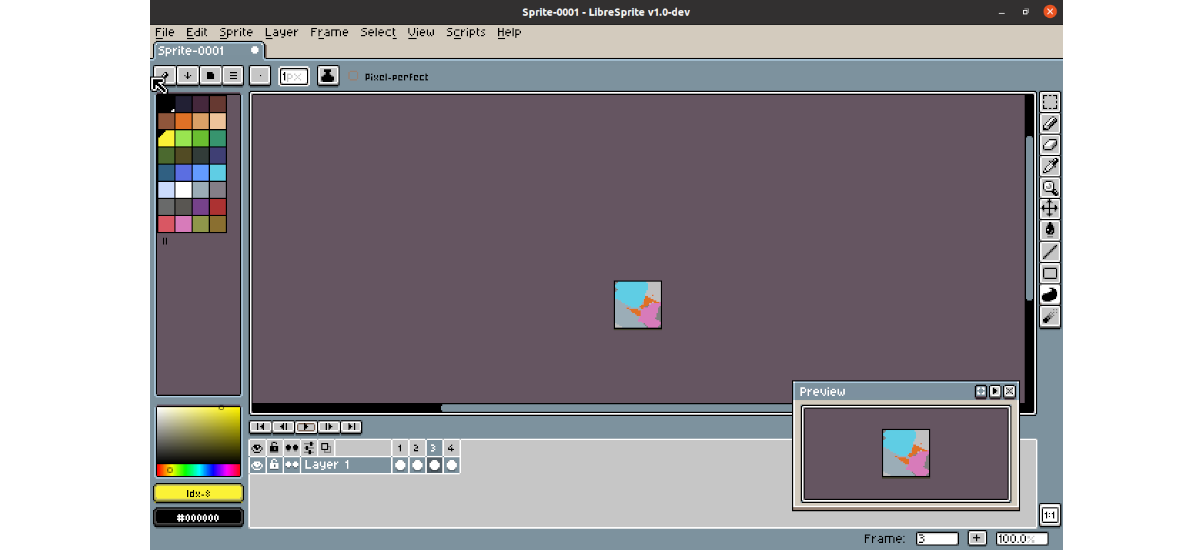
LibreSprite is an open source fork of Aseprite that emerged after Aseprite moved to a different licensing model.
Because it builds on the same foundation, LibreSprite includes many of the animation and sprite editing features that artists expect from pixel art software. For educators interested in open source tools, it offers a way to explore more advanced pixel art workflows without licensing costs.
Members of the pixel art community often recommend LibreSprite as a strong free option. One user in a game development discussion described it simply as “basically like Aseprite, but… free.”
The trade-off is that LibreSprite’s interface can feel more complex for beginners, and the ecosystem of tutorials and community resources is smaller than that of Aseprite. As a result, educators typically introduce it to learners who already understand the basics of pixel art creation.
Turning Pixel Art into a Learning Experience
Choosing a tool is only the first step. The bigger challenge for educators is designing creative experiences where learners can apply pixel art to meaningful projects.
That is where structured learning programs can help.
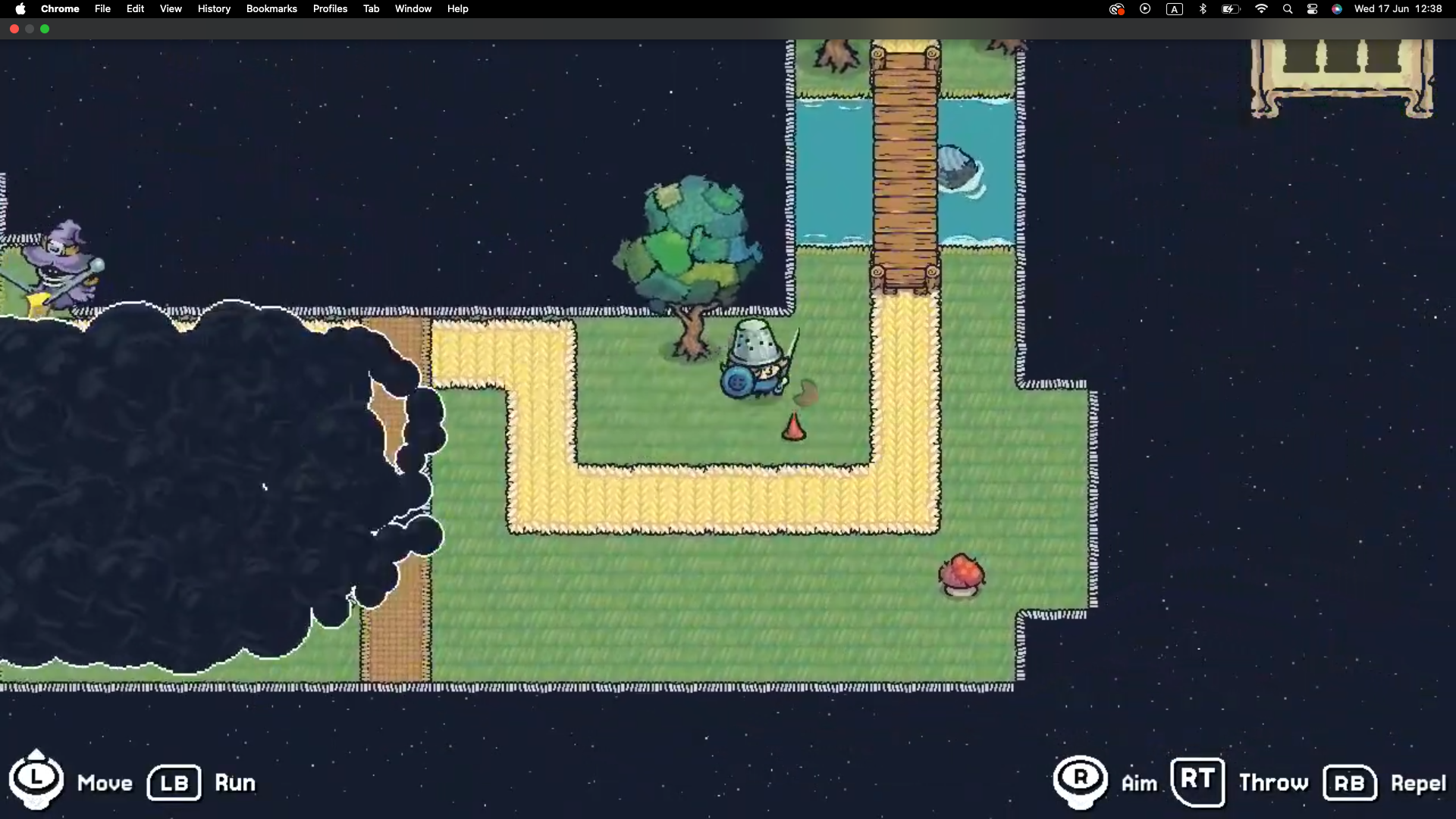
Our team created Explore: Threadbare Art, a completely free and downloadable learning experience that helps educators guide learners through pixel art creation while connecting their work to a real game world.
The program introduces core pixel art concepts and then guides learners to design characters, environments, and animations inspired by the Threadbare universe. Educators receive facilitator guides, activity prompts, and resources that can be used in classrooms, clubs, or community programs.
The goal is not just to teach learners how to draw pixels. It is to help them understand how art becomes part of a larger game ecosystem.
When learners begin creating assets that could eventually appear in a game, pixel art becomes more than a technical exercise. It becomes a creative pathway into game design, storytelling, and collaborative creation.
Download the Explore: Threadbare Art resources and bring pixel art into your learning program.
👉 [Download the Explore: Threadbare Art program]
Want to know when we publish new materials? Sign up for our newsletter or join the educator channel in our Discord server, where we share resources, ideas, and conversations with educators using game making in their programs.