Contributing to Open-Source Games: What Educators Need to Know
There's a moment that changes how learners think about technology. It's the moment they realize the software they use every day was built by people, that those people make decisions, and that they could be one of those people.
For most learners, that moment never arrives. School software shows up as a finished product. Apps update overnight. The code is invisible. Technology is something they experience, not something they shape.
Contributing to an open-source project is one of the most direct ways to break that pattern. And contributing to an open-source game might be the most engaging version of it, because learners already care about games, and the work feels like play.
This guide is for educators thinking about bringing open-source contribution into a classroom, club, or after-school program. We'll cover why it matters, what it actually looks like in practice, and how to make it work without overwhelming yourself or your learners. We'll use our own classroom game, Threadbare, as the running example, but everything here applies to any open-source project you might choose.
Why Open-Source Contribution Belongs in Education
The pitch for student contribution to open source isn't really about coding. It's about what learners learn from being part of something real.
- Real audiences change everything. When a student writes an essay, the audience is the teacher. When a student contributes to an open-source game, the audience is every player of that game. The work isn't simulated. The feedback isn't simulated. The pride when something they made ships to real users isn't simulated either. That's a different educational experience than anything that happens in a typical classroom.
- It teaches the actual skills employers and universities are looking for. Git, code review, reading other people's code, writing documentation, discussing tradeoffs in an issue thread, taking feedback gracefully. These are the daily skills of modern software work, and almost none of them are taught in standard curricula. Learners who've contributed to an open-source project arrive at university or their first internship with a real portfolio and real experience.
- It builds digital citizenship. Open source teaches that the internet is something you can make, not just consume. Learners learn that the tools they use are maintained by communities, that those communities have norms and disagreements, and that participating is a skill you build over time. For learners who will spend their lives online, this is foundational.
- It reaches learners that other approaches don't. Some learners light up at game design but freeze at "computer science." Some are writers who would never sign up for a CS class but will happily contribute dialogue or narrative branches to a story-driven game. Open-source game contribution is unusually good at meeting learners where they are, because games have so many roles: artists, writers, sound designers, testers, translators, accessibility advocates, and yes, programmers. Eventually, learners will get exposed to the very tasks they were avoiding, in a less intimidating context.
What "Contributing" Actually Means (It's Not All Code)
This is the most important thing to understand before you bring it into a classroom: Code is one type of contribution among many. A healthy open-source game project welcomes all of these:
- Bug reports. Playing the game carefully, finding something broken, and writing a clear report. This is a real, valued contribution, and it's accessible to any student.
- Playtesting feedback. Structured observations about what's fun, what's confusing, what's frustrating. Game studios pay for this.
- Documentation. Writing tutorials, fixing typos in the README, improving install instructions. Excellent first contributions.
- Art and assets. Character sprites, background tiles, icons, animations. Many open-source games are starved for art.
- Sound and music. Sound effects, ambient tracks, voice acting for cutscenes.
- Translation and localization. A student who speaks two languages can translate a game's UI or dialogue. This is high-impact, visible work.
- Accessibility improvements. Captions, colorblind-friendly palettes, controller remapping, font-size options. Learners learn that accessibility is part of the design process, not an afterthought.
- Writing and narrative. Dialogue, item descriptions, lore. Perfect for English and creative writing classes.
- Code. Bug fixes, new features, performance improvements.
This matters for two reasons. First, it means open-source contribution isn't only for CS classes. An art teacher, a writing teacher, or a world-languages teacher can run a meaningful contribution unit. Second, it means every student in your class can find something to contribute, regardless of their skill level on day one.
What This Looks Like in Practice: Threadbare as a Worked Example
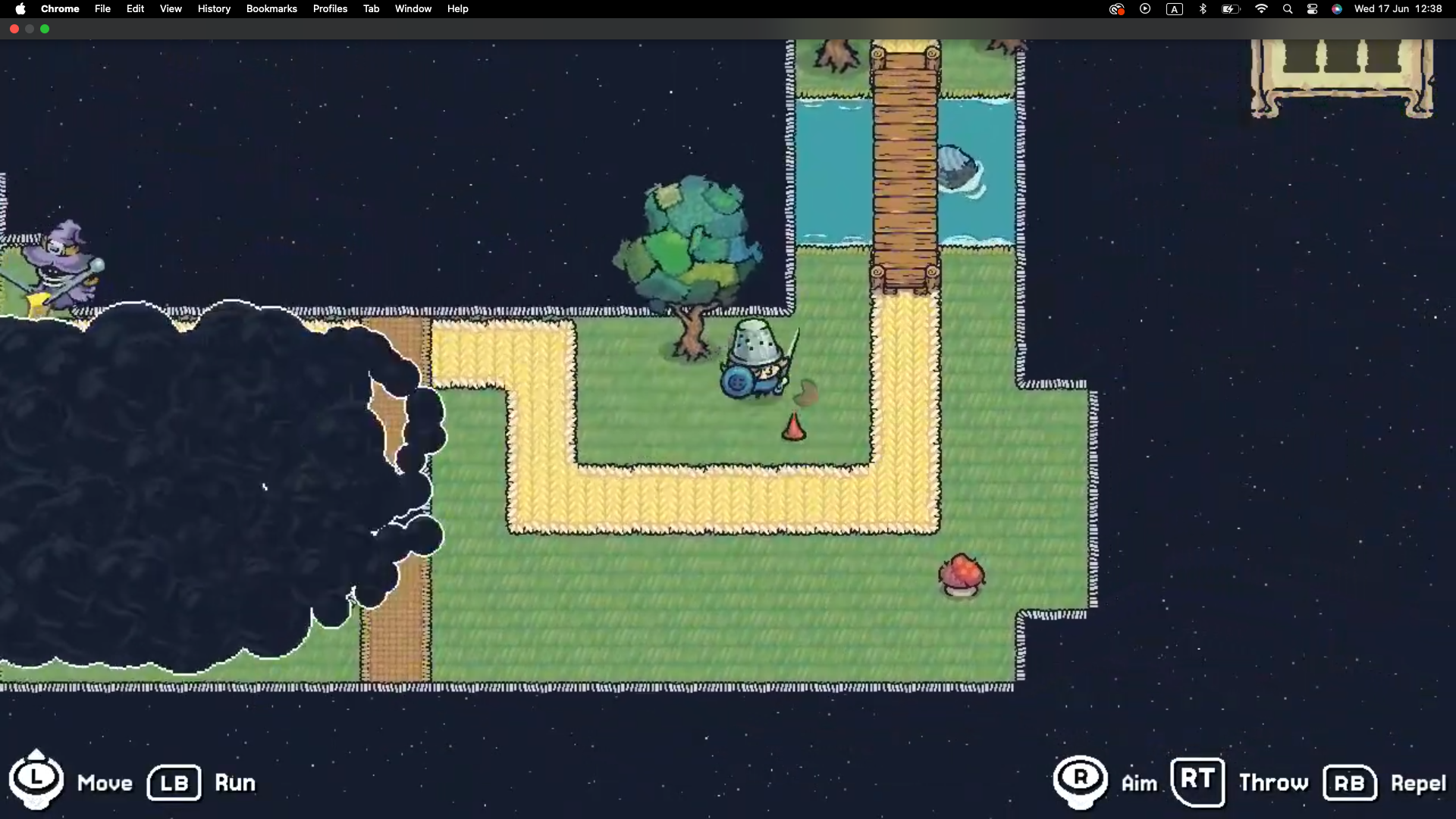
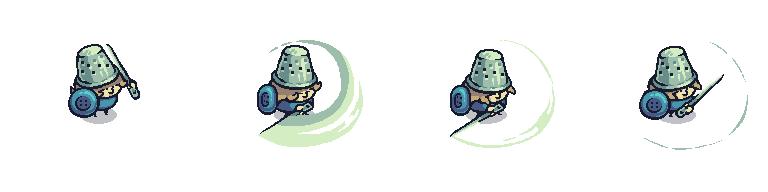
We built Threadbare, a free, open-source narrative-driven RPG, partly so educators would have a real, classroom-ready project for learners to contribute to. Built in Godot and hosted on GitHub, Threadbare casts players as Storyweavers restoring an unraveling world by recovering stories, traditions, and cultures. The game is open for anyone to remix code, write narrative, create art, or collaborate with real developers.
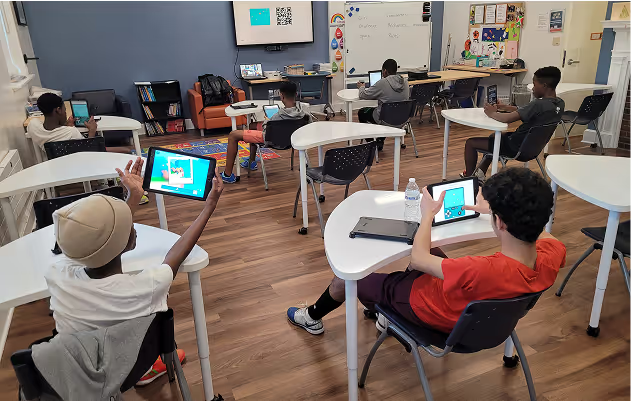
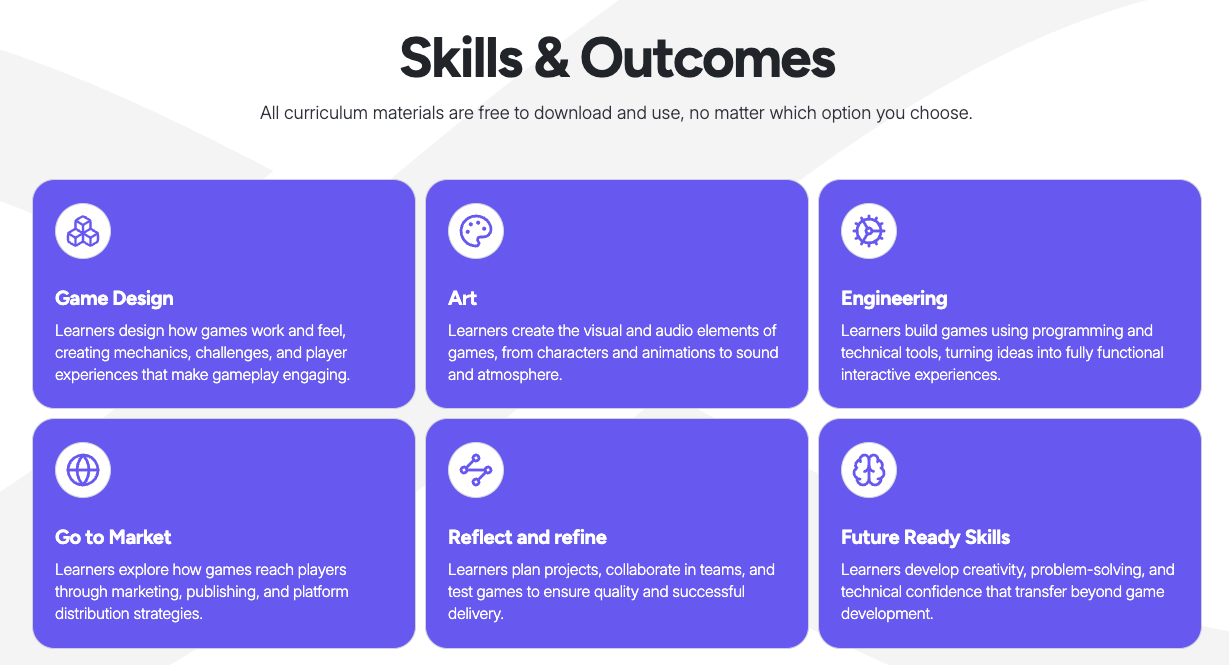
For educators, homeschoolers, afterschool programs who want a structured way to bring this into a learning space, we've built three learning experiences around Threadbare: Explore (a series of introductory workshops in game design, the Godot game engine, and AI s), Core (an 18-session team program where learners ship a full StoryQuest), and More (a community game-making experience for advanced learners).
“At first, I didn’t think I could become a designer. I had no drawing experience, but taking on the role challenged me to learn, practice, and explore new skills. The experience motivated me to keep studying design outside the program and discover a new creative interest.” - Alexandra, Learner from Peru.
But you don't have to exclusively use our curriculum to do this well. The principles below apply to any open-source game project you might choose, and the rest of this post is about how to make student contribution work in your context.
What You'll Need (and What You Don't)
Educators sometimes assume bringing open-source contributions into a classroom requires deep technical expertise. It really doesn't. Here's what you actually need:
You need:
- A project that welcomes student contributors. Not all open-source projects do. Look for ones that explicitly mention education, have "good first issue" labels, and respond kindly to beginners. Threadbare is built for this; so are several other educational open-source games.
- Basic familiarity with the contribution flow. You don't need to be able to write the code yourself. You do need to understand what branching, a pull request, and an issue are, well enough to help a student when they get stuck.
- A way for learners to use Git. Web-based options like GitHub's web editor or GitHub Codespaces work for simple changes; classroom-managed accounts work for more involved contributions.
- A communication channel with the project. Most open-source games have a Discord, a forum, or active issue threads. Knowing where to ask is half the battle.
You don't need:
- To be a programmer yourself. But you do need to know some coding to be able to support some learners from time to time.
- High-end hardware. Most open-source game contributions work fine on a Chromebook or a basic school laptop.
- Permission from a vendor. This is one of the structural advantages of open source: nothing is gated.
- A perfect plan. Open-source contribution is iterative by design. Starting small and learning alongside your learners is exactly how the open-source community itself works.
Practical Tips for Making This Work
A few things we've learned from running this with real classrooms.
- Start with non-code contributions. Even in a CS class. Have everyone file a bug report or write a small piece of documentation before anyone touches code. It teaches the discipline of clear, concrete writing, and it gets learners comfortable with the project's communication norms before stakes get higher.
- Scope contributions to a class period or two. Long contributions stall and demoralize learners. A bug fix that ships in one sitting is worth more pedagogically than a feature that drags across four weeks. If a student wants something bigger, great, but make the first contribution small. Seeing small progress will motivate them to keep going and encourage them to make bigger contributions.
- Treat code review as the lesson, not the hurdle. When a maintainer comments on a learner's pull request, that comment is the most valuable feedback that student will get all semester, if the maintainer spends the right time on it. Talk about it as a class. Read through PR threads on real open-source projects together. Code review is where the actual learning happens.
- Use the project's community thoughtfully. Most open-source projects have Discord servers or forums with people of all ages. Decide ahead of time whether your learners will interact with the community directly or whether you'll route all communication through you, and set expectations with both your learners and the project.
Where to Start
If contributing to Threadbare sounds like a fit for your class, we'd love to have you. A few starting points:
- Start with Explore if your learners are new to game making. The 1-hour workshops are the lowest-friction way to get started, and they can be run by any facilitator regardless of coding background.
- Move to Core when you're ready for an 18-session program where learners build and ship a full StoryQuest as a team.
- Join our educator Discord to ask questions, share what you're trying, and connect with other teachers doing this.
If you'd rather contribute to a different project, that's great too. Many of the games and tools we covered in our guide to open-source game engines for educators have active communities looking for help.
Years from now, most of your learners won't remember the specific bug they fixed or the sprite they drew. But they'll remember the moment they watched their work ship to real users. They'll remember the first time a stranger on the internet wrote "thanks, this fixed it for me" under a pull request they submitted. They'll remember the feeling of being a contributor to something larger than themselves.
Thanks to Heather Drolet, Director of Learning Experience at Endless Access with over 20 years of experience in education, for her tips, commentary, and notes.