Godot for Educators: What It Is, Why It Works for Classrooms, and How to Get Started in 2026.
Most educators considering game design as a learning subject hit the same wall: choosing a tool. The big commercial engines are powerful but expensive, locked behind accounts, and often blocked by school IT. The simple drag-and-drop tools are friendly but limited. Learners outgrow them in a semester.
Godot sits in a different category. It's professional-grade, completely free, open-source, doesn't require an account, runs on the hardware schools actually have, and grows with learners from middle school through professional work. For a lot of educators, it's the first tool that checks every box at once.
But "professional-grade" can also sound intimidating. If you're an educator, a homeschool parent, or an after-school facilitator without a coding background, you've probably wondered: is Godot really for me? Can I run a program with it without becoming a software engineer first?
This guide answers those questions. We'll cover what Godot is in plain terms, why it's a strong fit for classrooms and any learning space, what you can actually build with it, what privacy and security look like in practice, the worries educators most often raise, and how to get started without being overwhelmed. No engineering background required.
What Godot Actually Is
Godot is a free, open-source game engine. It's the software you use to make a video game, in the same way you'd use a word processor to write a document or a spreadsheet to organize data.
Three things distinguish it from other tools educators might be considering:
It's a real game engine, not a teaching tool. Indie studios use Godot to ship commercial games on distribution platforms such as Steam, mobile app stores, and consoles. Games like Brotato, Dome Keeper, Cassette Beasts, Buckshot Roulette, and Slay the Princess have all reached hundreds of thousands of players, and they were all built in Godot. Godot exposes learners to the same tools professionals use.. That changes how learners feel about their work, and it means they don't have to switch tools when they start creating their own games.
It's completely free, forever. There's no subscription, no royalty when a learner publishes a game, no free tier that becomes a paid tier later, and no hidden fees. Godot is maintained by a non-profit foundation, not a company that needs to monetize you. For schools, this removes a category of risk that haunts commercial software adoption.
It's open source. The code that runs Godot is publicly visible. Anyone can contribute, modify it, or build tools on top of it. For educators, this matters in two practical ways. First, the community has built thousands of free tutorials, plugins, and resources. Second, you can teach learners that the tools they use are made by people they could become.
Godot supports both 2D and 3D games, multiple programming languages (including a beginner-friendly one called GDScript), and exports to every major desktop and mobile platform: Windows, Mac, Linux, web browsers (which work on Chromebooks), iOS, and Android. For experienced learners console publishing is also possible, but it's a more involved path that typically goes through a partner company like W4 Games rather than the standard open-source release.
Why Godot Works for Classrooms (and Any Learning Space)
The thing that makes Godot unusual in education isn't any one feature, but rather that it clears several obstacles at the same time, while most other tools clear only one or two.
Gotdot is lightweight and works on devices schools already have. For most school-issued Chromebooks (where Linux isn't enabled by default), the Godot web editor runs entirely in a browser with no installation required. Godot also has a free Android app, and an iPad version called Xogot is available from a third-party developer, with a discount available for students. For Windows, Mac, and Linux machines, the native editor installs in minutes and doesn't need a gaming-grade computer.
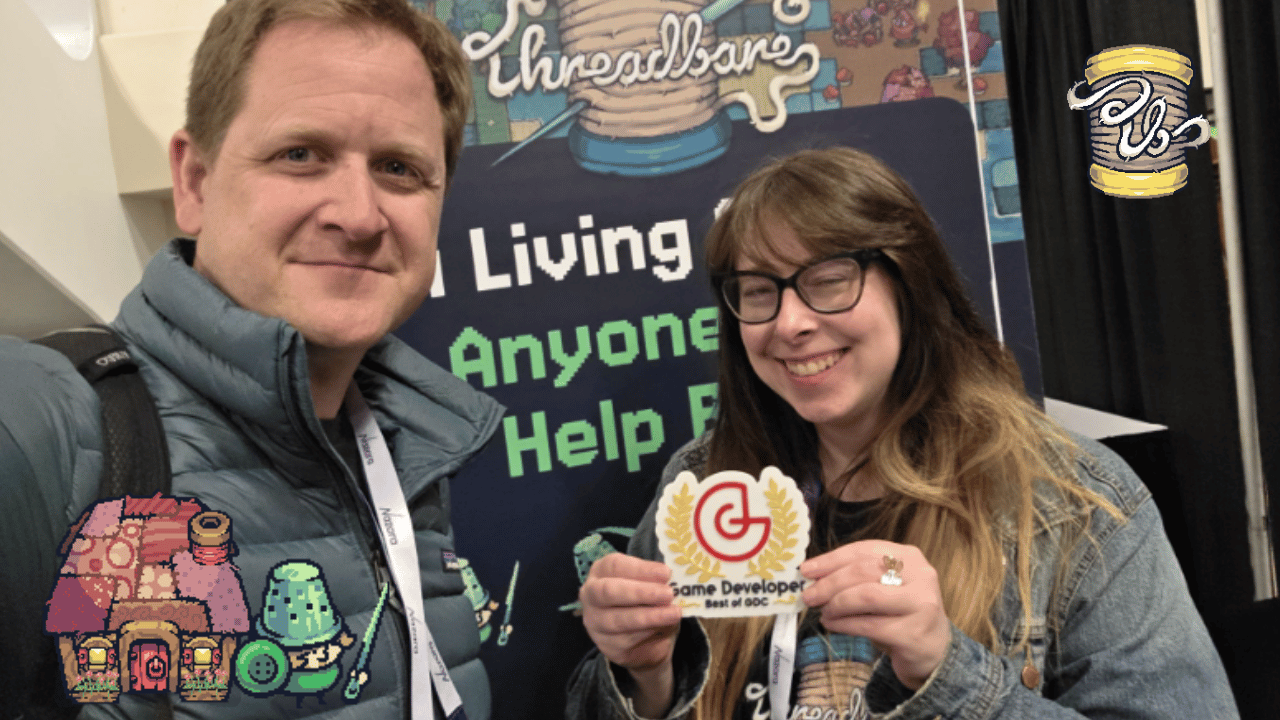
"Until recently, I developed Threadbare on a mid-range non-gaming laptop from 2019. Manuel and I had lower-spec laptops than much of the Learning team." — Will Thompson, Principal Software Engineer, Games Team at Endless Access
For schools, homeschool families, and after-school programs, this is the difference between "we can run this on what we already own" and "we'd need a budget cycle to buy hardware."
Privacy and security are increasingly the first things educators ask about, and Godot's answer is unusually clean with these two aspects being built into how the tool works. The software doesn't require an account, doesn't collect personal information, and doesn't include advertisements or in-app purchases. There's no profile to set up, no email to verify, no parental consent form to chase down. For schools navigating COPPA, FERPA, and district privacy reviews, this removes a major procurement hurdle. For homeschool parents and after-school programs without IT departments to handle data agreements, it removes a worry that often kills adoption before it starts. You can install Godot on a learner's device the same way you'd install a calculator.
Godot further scales from beginner to professional. A learner who starts with Godot at age 13 can still use Godot in college, in a job, or to publish a game commercially. Educators don't have to switch tools as learners grow, and learners don't outgrow their portfolio. That continuity is rare in educational software.
There's a fourth reason that matters more than it sounds: Godot is fun. Learners see results quickly. Their first character can be moving across the screen within an hour. That first taste of "I made this and it works" is the moment that hooks a learner, and Godot is designed to deliver it.
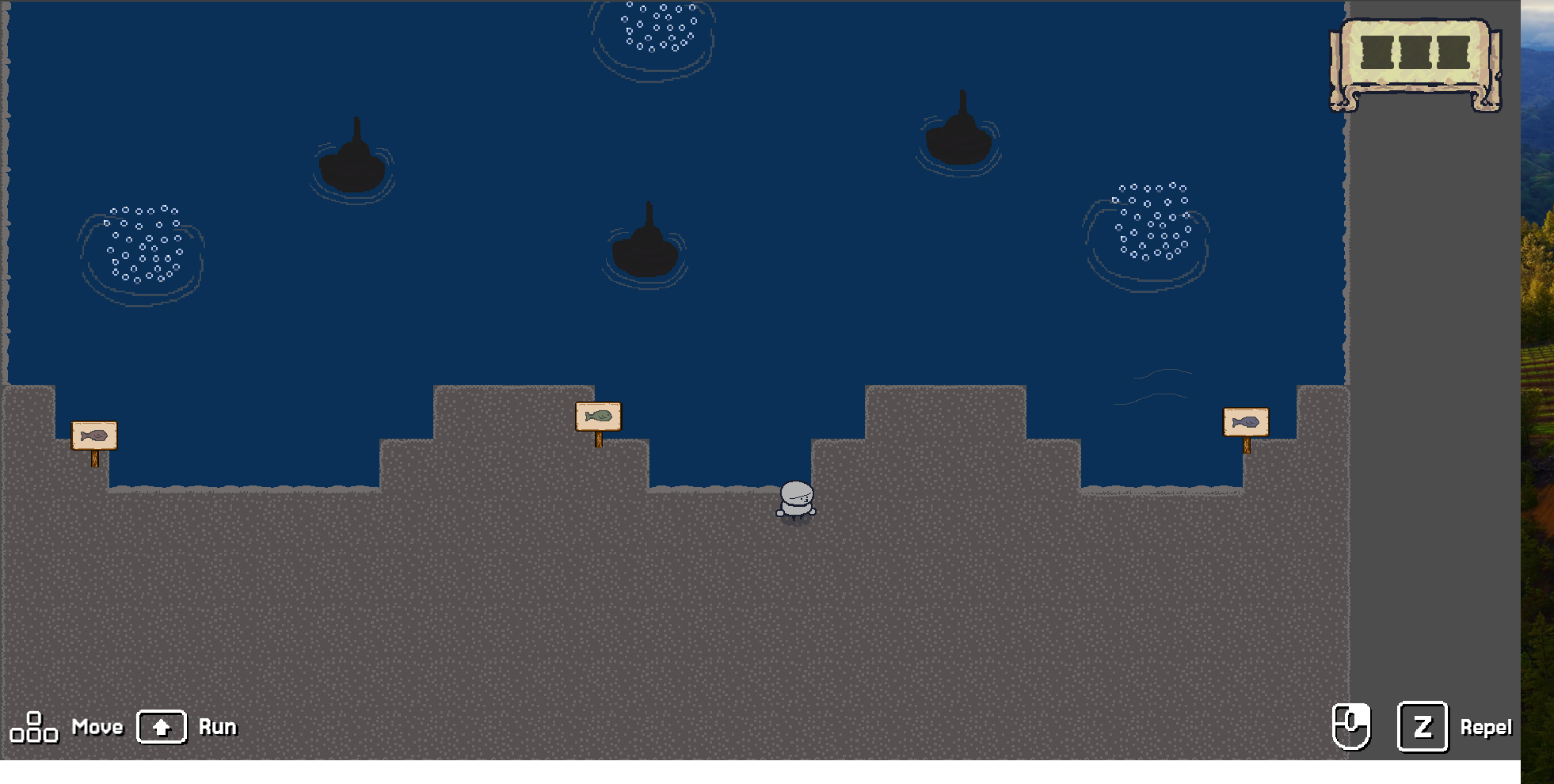
What You Can Actually Make With It
One of the most useful things to understand before adopting any tool is what's realistically possible with it. Here's a sense of the range, from simple to ambitious:
- At the simplest end: A character that moves around the screen and collects coins. A maze where the player has to find an exit. A two-player game where each player controls a paddle. Most learners can build something at this level in their first session or two.
- Mid-range: A side-scrolling platformer with multiple levels. A top-down adventure game with rooms and items to collect. A puzzle game with mechanics that get progressively more complex. A short narrative game with branching dialogue. These are the kinds of projects learners typically complete after a few weeks of consistent work.
- Ambitious: Full RPGs, multi-level platformers with custom art and music, narrative-driven adventures with hours of content, multiplayer games. These are real projects that real teams ship. Learners who stick with Godot for a year or more can absolutely reach this level.
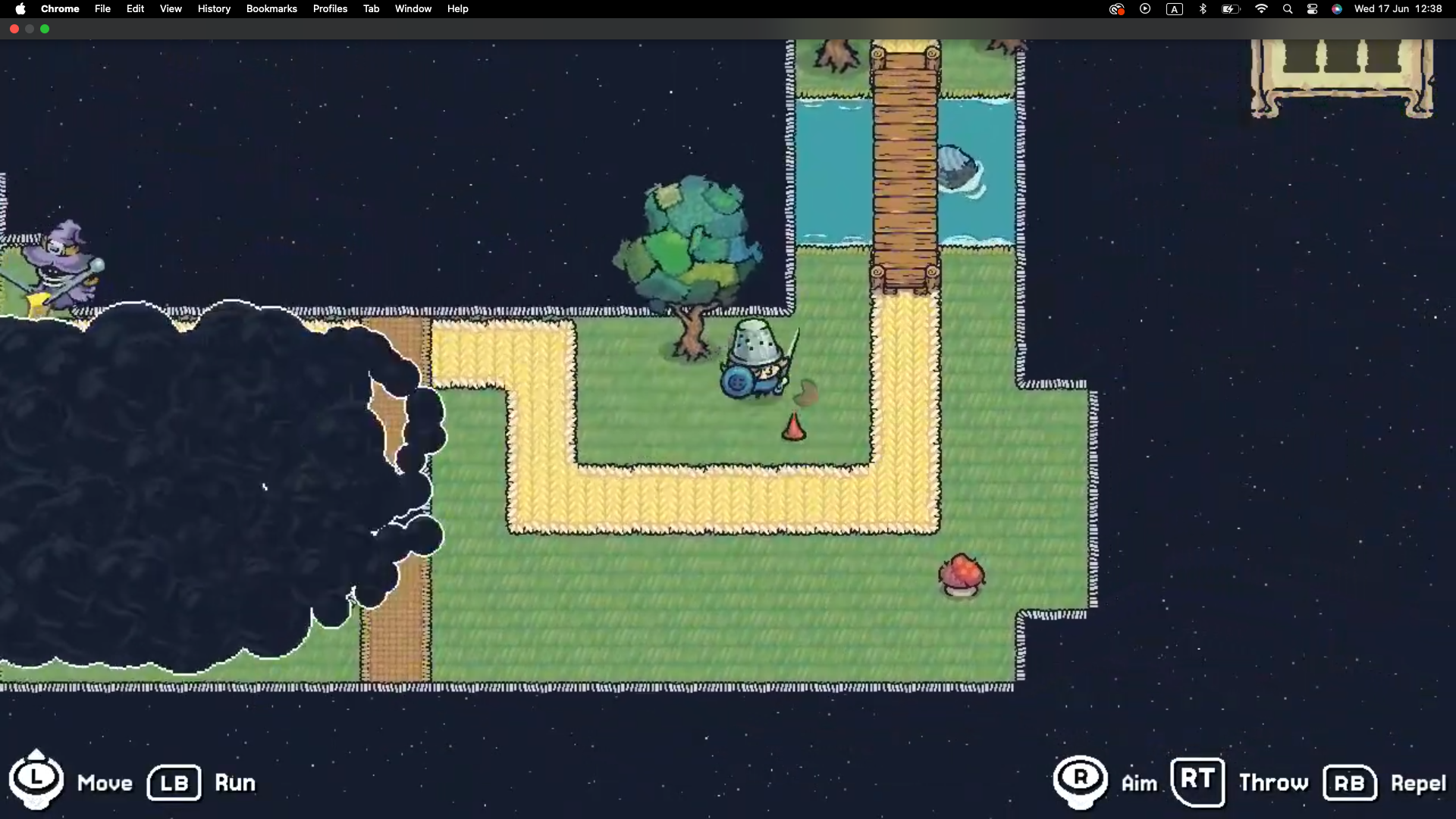
Threadbare, our own open-source action-adventure game, sits in that ambitious category and is built in Godot specifically to be a classroom-ready project learners can learn from and contribute to.
The point isn't that your learners need to ship a commercial game. The point is that the ceiling is as high as their ambition. They aren't using a watered-down version of the real thing. They're using the real thing.
What Educators Worry About (And the Honest Answers)
Most educators have the same questions when they consider Godot. Here are the honest answers:
- "Do I need to know how to code?"
No, but you will have to learn a little.
You can run a Godot-based program without becoming a software engineer. Humanities or art teachers with no formal programming background are just as likely as computer science educators to become successful classroom adopters. You don't need to know the answer to every question. You need to know how to find the answer, or where to point learners to find it themselves. That's a different skill, and it's the one that matters most.
"Personally, I would say: no, but you will have to learn a little." — Will Thompson, Principal Software Engineer, Games Team at Endless Access
If you want to build basic Godot literacy before running a program, there are dozens of free tutorials online. An hour of poking around the interface will go a long way.
- "Will it run on Chromebooks?"
Yes, but the practical answer is more specific than most articles will tell you. In practice, almost no school-issued Chromebooks have Linux enabled, so the realistic option for most classrooms is the Godot web editor, which runs entirely in a browser with no installation required. This is what works for managed devices.
If your Chromebooks happen to have Linux (Crostini) enabled, the full native editor runs natively. But don't count on this being available by default. Plan for the web editor first.
If your program uses Windows or Mac machines, Godot runs natively on both with no setup beyond downloading the installer. There's also a free Godot Android app, and an iPad version called Xogot is available from a third-party developer.
- "What age is this appropriate for?"
The honest answer: Godot works well from around age 13 and up, with the right scaffolding. Learners can use Godot productively if the curriculum keeps things simple and starts with small, achievable projects. Older learners can use Godot all the way through university and beyond.
"The learners who surprise you most are the ones who come in saying they're 'not tech people.' Give them something real to build and the age stops mattering — what matters is whether they feel like they're making something that counts." — Heather Drolet, Director of Learning Experiences, Endless Access
For very young learners (under 13), tools like Scratch or GDevelop are usually a better fit. They have an even gentler on-ramp. Many programs use Scratch or GDevelop first and transition to Godot once learners are ready for more.
- "Is the content appropriate for school?"
Godot itself is a tool, not a content library. What learners make in it is entirely up to them and you. There's no built-in content to worry about, no in-app purchases, no advertisements, no exposure to outside content. It's about as neutral as software gets.
Some published Godot games include mature content, the same way some published Word documents include mature content. That's a function of authorship, not the tool. You and your learners decide what to build.
A note on language access: our learning materials are currently available in English and Spanish. Our community on Discord supports English, Spanish, and Arabic, so facilitators in those languages can get questions answered in real time.
- "What if my learners want to publish their games?"
They can, though publishing to the web requires hosting the exported game somewhere. There's no built-in shareable URL.
In our Core: Threadbare program, learners publish their work to the web through GitHub, which gives them a real-world introduction to version control alongside the publishing step. The trade-off is that each learner needs a GitHub account, which schools may or may not be able to set up. For programs that want a simpler path, we're working on Backstitch (in development), which will provide shareable URLs directly.
Beyond the web, Godot also exports to desktop installers, mobile app stores, and (with more setup) consoles. There are no royalties, no platform fees beyond what the platform itself charges, and no permission required from the Godot Foundation. A learner who builds a game in your program owns it outright.
- "What's the catch?"
Honest answer: Godot's learning curve is real. It's gentler than most professional engines, but it's not as immediately approachable as Scratch. The first few hours can feel disorienting if you've never used a game engine before. The Godot community knows this, which is why so much of the available content is aimed specifically at smoothing that first week.
The other thing worth knowing: Godot is improving rapidly. New versions come out regularly with major changes. This is mostly a good thing, but it means some tutorials get outdated. When you're searching for help, look for content from the last year or two, ideally for the version of Godot you're using.
How to Get Started Without Getting Overwhelmed
Here's a sensible sequence for an educator new to Godot.
Step 1: Spend one hour with Godot yourself. Download it from godotengine.org, open the editor, and click around. Open a sample project from the asset library. Don't try to learn anything specific yet. The goal is just to get past the "what does this even look like?" stage so the interface stops feeling alien.
Step 2: Build one small thing. Follow a beginner tutorial that walks through a simple project from start to finish. The official Godot 2D game tutorial is a solid choice. Don't worry about understanding everything. You're building familiarity, not expertise.
Step 3: Pick a starting point for your learners. This is where the work other people have already done becomes invaluable. You don't need to design a curriculum from scratch.
Our Explore learning experiences are designed specifically for this stage. They're a series of 1-hour workshops that take learners from "I've never made a game" to "I've made something I can show people," and they're built so educators without coding backgrounds can run them. Explore: Godot in particular is a 10-hour project sequence built on Godot itself.
If you'd rather build your own program, the GDQuest learning path is the most respected free curriculum in the Godot community, and the official Godot documentation has step-by-step tutorials.
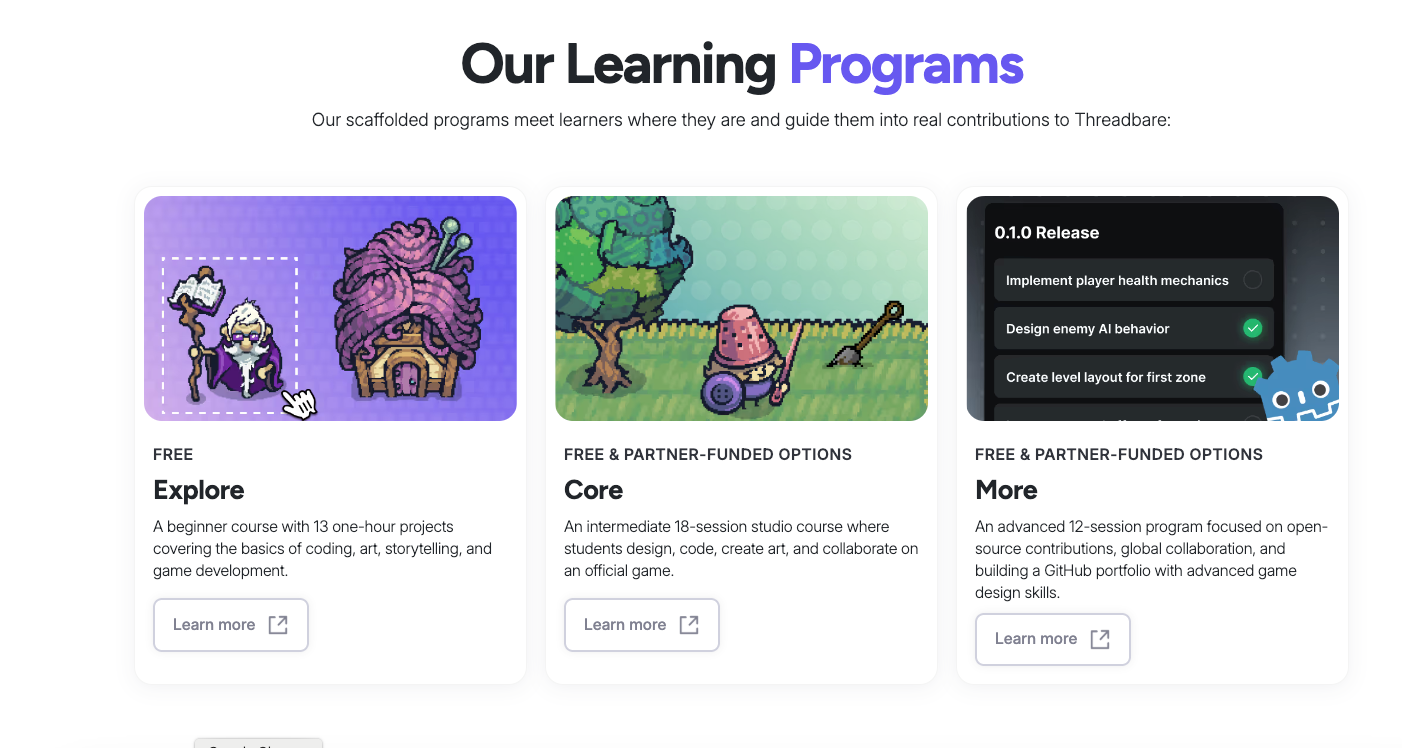
Step 4: Plan for your second program before your first is done. This is the step most educators skip, and it's the one that determines whether game design becomes a one-time activity or a sustained part of your offering. As your first learners finish their initial projects, have a "what's next" ready. Our Core program is designed exactly for this: an 18-session team-based experience where learners build and ship a full project to a real community. Having something like Core lined up gives your most engaged learners somewhere to go.
Step 5: Join a community. Running a game design program in isolation is harder than it needs to be. The Godot community is unusually generous with educators. Our educator Discord server is one option, focused on facilitators using Threadbare and Godot in classroom and program settings. We speak English, Spanish, and Arabic, so you can ask questions in whichever language fits your team. The official Godot community has its own channels too.
A Proved Example: Threadbare
It helps to see what's possible. Threadbare is the open-source action-adventure game we built in Godot, partly so educators would have a real classroom-ready project to point learners at. Players are Storyweavers restoring an unraveling world by recovering stories, traditions, and cultures.
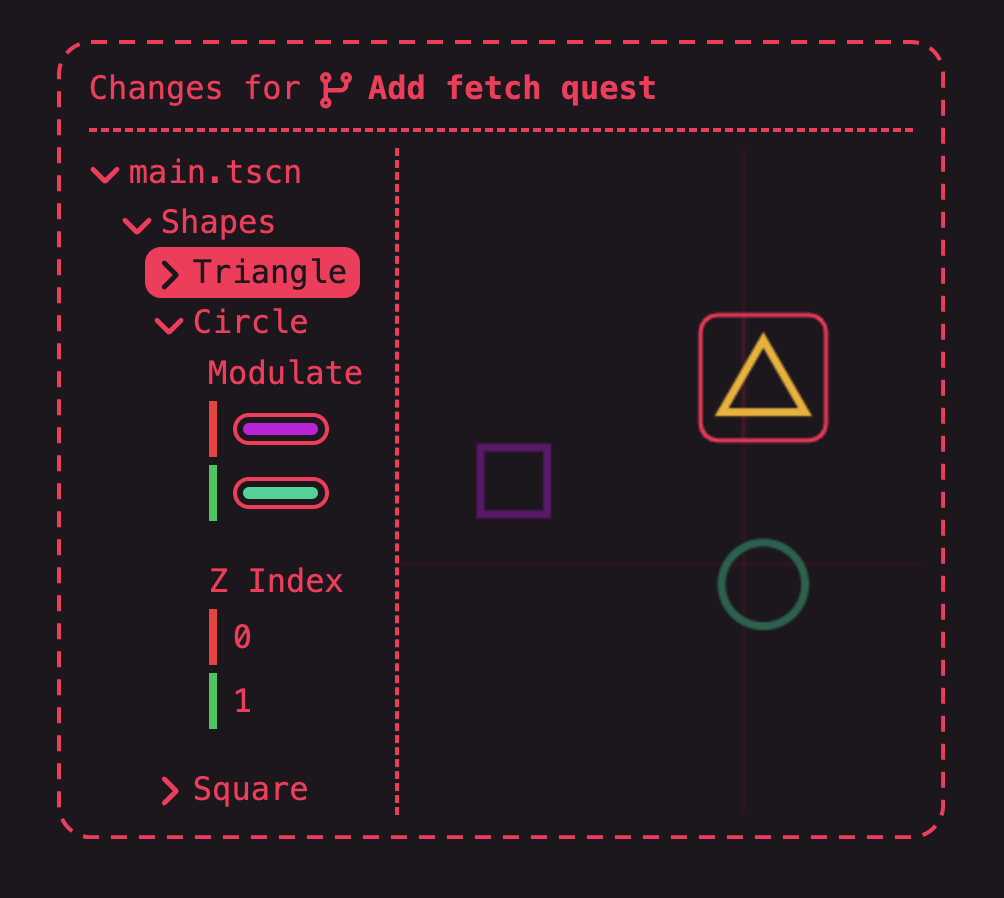
What makes Threadbare useful as an example isn't just that it exists. Its openness is what matters pedagogically: learners can play it, then look under the hood at how it was made, then contribute their own additions to it. A finished StoryQuest by one of your learners can become part of the actual game that other learners around the world play.
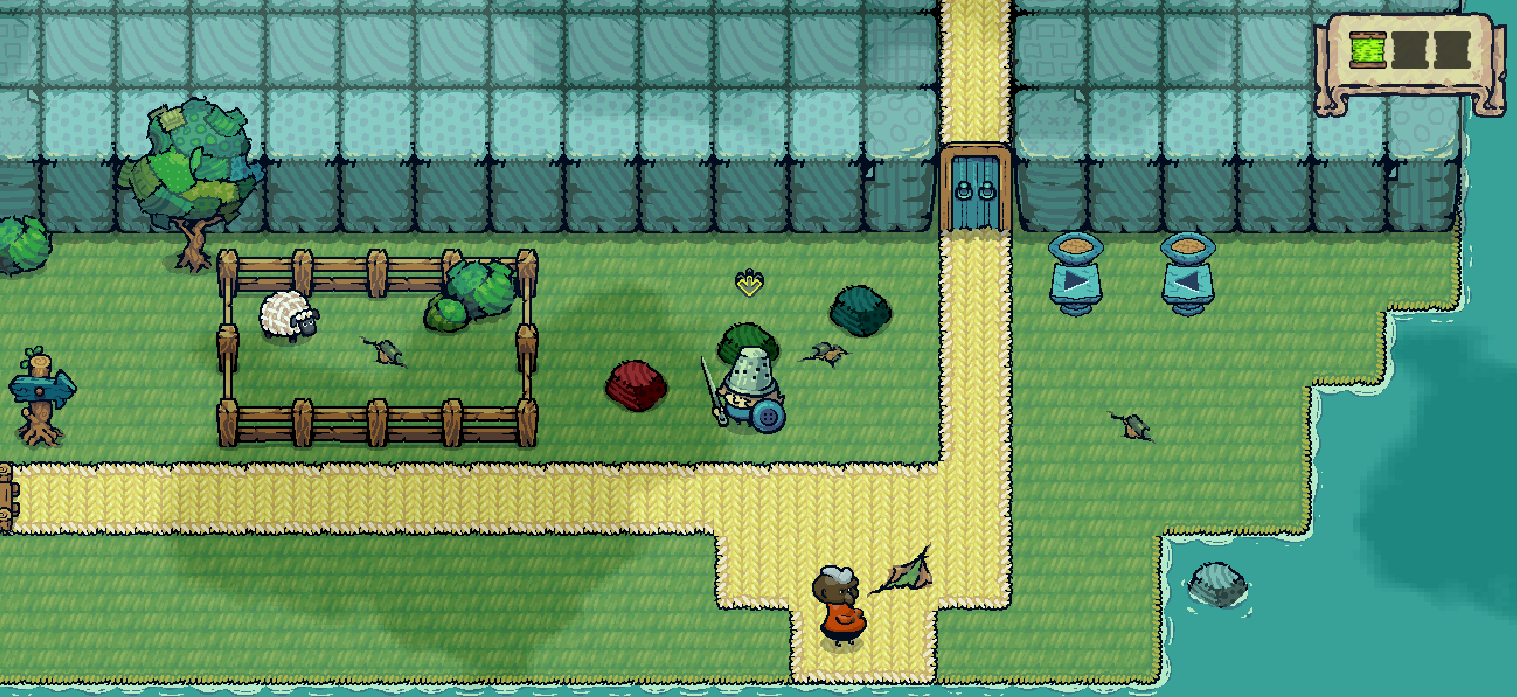
This contribution aspect of Threadbare shows how Godot's open-source nature matters pedagogically. The tools, the engine, the example project, and the resulting work all live in the same open ecosystem. Learners aren't using a sandbox version of the real thing. They're contributing to it.
You don't have to use Threadbare to teach Godot. Plenty of educators run great programs with their own projects. But if you want a head start, it's there.
The Bottom Line
In our experience, Godot is the best game engine to start with if you want a tool your learners won't outgrow, your IT department won't push back on (most of the time), and your budget team won't fight you over. The trade-off for a slightly steeper first week is years of capability and freedom afterward.
We're also helping make that first week easier. In collaboration with Ink & Switch, we're working on Backstitch, a project still in development that aims to make Godot even more approachable for beginning learners. If lowering the on-ramp matters to your program, it's worth keeping an eye on.
If you're an educator, a homeschool parent, or a facilitator weighing your options, our advice is to spend a single afternoon with Godot before deciding. Once you've seen it move, you'll have a much clearer sense of whether it fits your program. Most educators come away thinking the same thing: this is what we've been looking for.
Get Started With Endless Access
Access our learning materials. Create a free account and use the code "EndlessEducators" on our platform to use Explore, Core, and other learning experiences. All materials are free.
Have questions? Join our community. Our educator Discord is the fastest way to get answers from our team and other facilitators. We speak English, Spanish, and Arabic.
Need something specific to run your program? Whether it's a translation, a specific lesson plan, or help adapting our materials to your context, ask. Contact us and we'll see what we can do.
Do you have any thoughts? Leave them in the comments section below.
Big thanks to Heather Drolet and Will Thompson for their commentary and updates to this article.