You Don't Have to Be a Game Dev to Make Game Assets
When people find out we work in game development, a lot of them say the same thing: I wish I could make a video game.
And honestly, our answer to that is quite simple: you can.
But then you get the , "No, no, I'm not a game developer." So we push a little. Do you like drawing? Making music? Writing stories? Usually the answer is yes. And that's the point. You might not be ready to build an entire game on your own, but you can absolutely make something that goes into one.
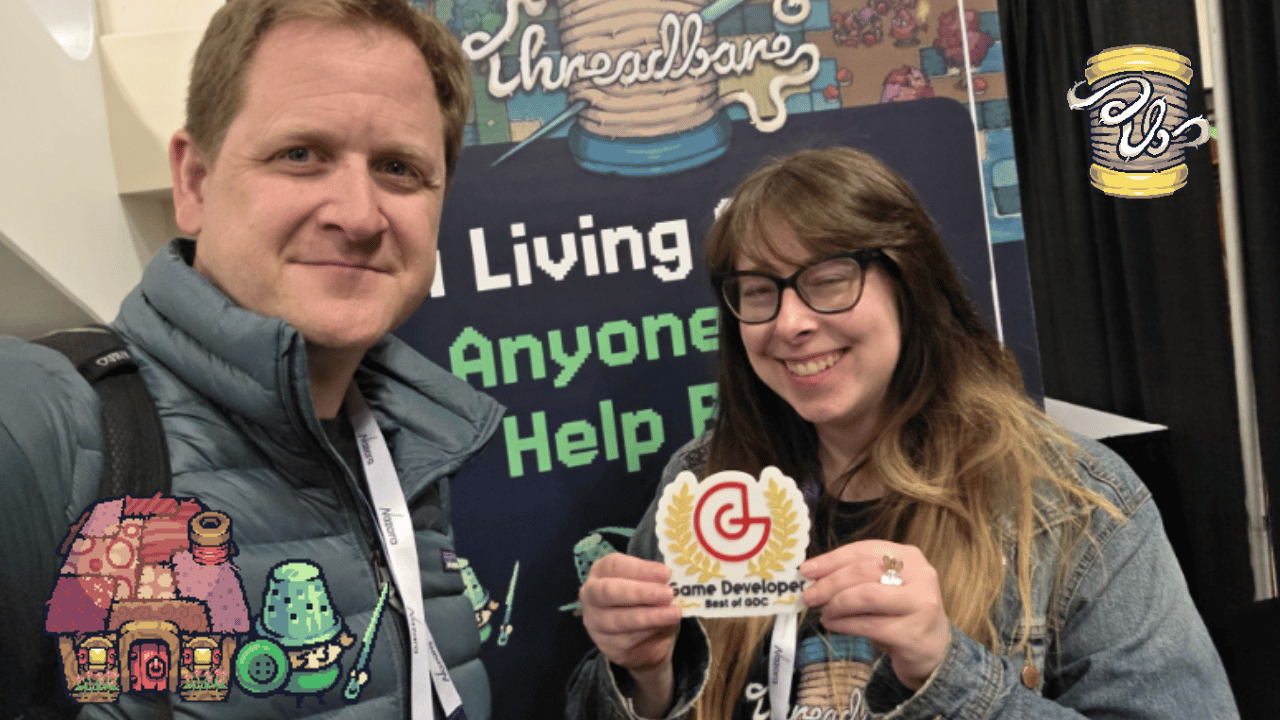
That was the question behind Loom Lounge Ep. 14: can you make game assets if you don't have any previous experience? Stephen Reid, our VP of Learning and creative director of Threadbare, and Heather Drolet, our Director of Programs, spent the hour proving that you can.
Game dev isn't just one skill. It's a recipe.
There's a common idea that making games is one central skill you either have or don't. It isn't. Games are made of many different domains: concept art, pixel art, animation, sound, music, writing, UX, and code.
Heather compared it to cooking a meal. You might want an appetizer, a main course, and a dessert, but you don't have to make everything from scratch. Sometimes you use a cake mix. That isn't cheating. It's how more people get to cook.
Stephen started making "assets" as a kid on a Commodore 64, editing parts of games, saving them back onto cassette tapes, and handing them to friends who would suddenly see characters with different names or colors. He was sure he was an underground hacker. Mostly, however, he was learning that changing one small thing in a game feels amazing and makes the experience feel so much more personal.
Everything you see in a game is an asset
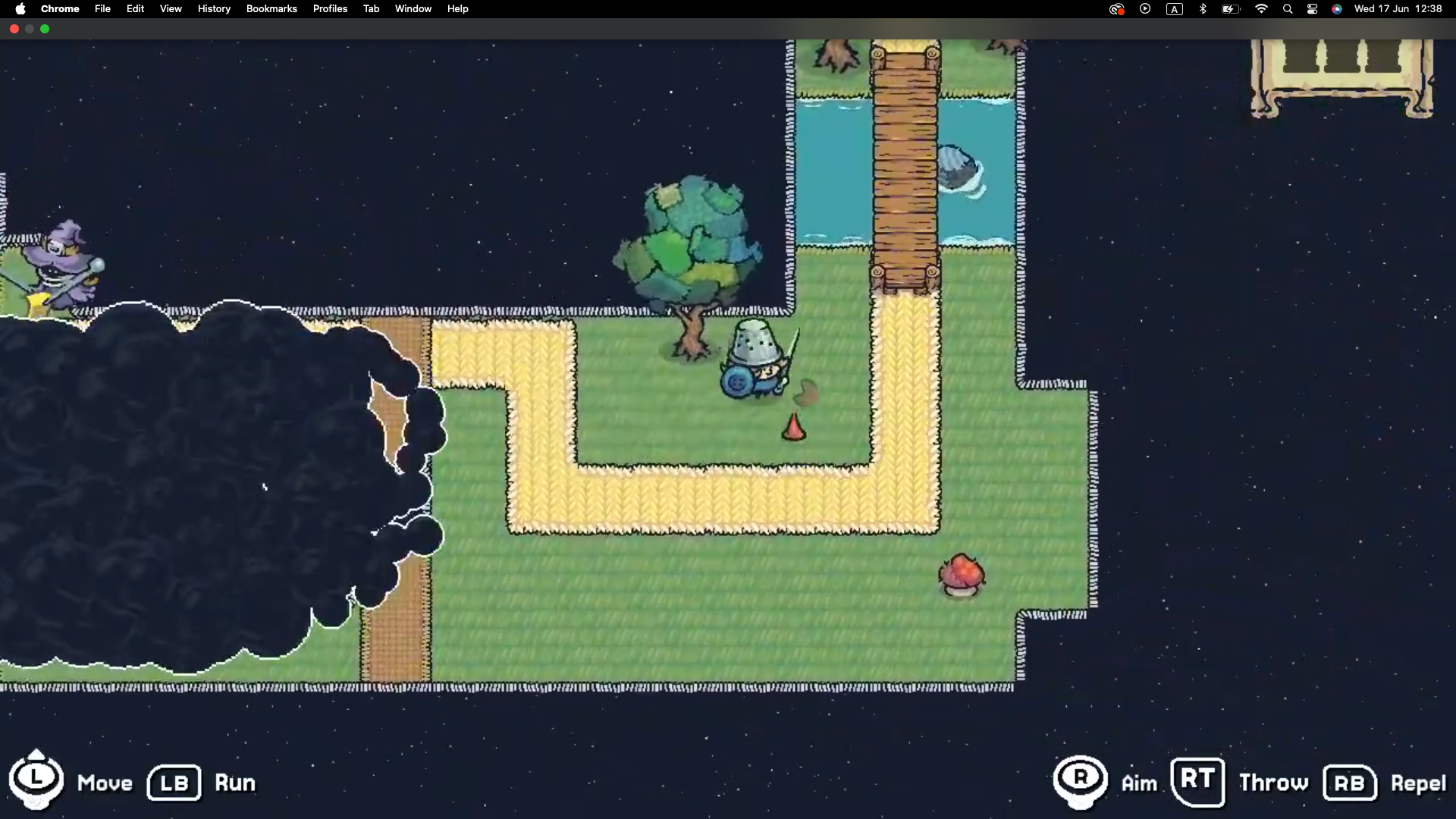
Before showing any tools, Stephen walked us around Fray's End, the main village in Threadbare, and pointed at things most players never think about.
The Story Weaver, our main character, went through many versions in concept art before landing on the final design: longer legs, a purple cloak, hair, no hair, a helmet, no helmet, the needle in one hand and then the other. Then the final sprite needed animating, which is its own craft.
The bushes that sway in the wind are assets. So are the knitted tile sets, the patchwork trees, the dialogue banner with its torn-scroll background, and the words on it. The hushrooms, little mushrooms that hide when you walk past and then pop up to gossip about you? Stephen recorded that sound himself. The wheat field and tomato plants were contributed by learners. Some trees came from students in the Netherlands. The cat that meows in four different ways was added to honor our producer and her cat.
"These are all things that we probably take for granted as players. And yet someone conceived of those, drew them, and then made them."
Stephen Reid, VP of Learning, Endless Access
Is my asset good enough for Threadbare?
Heather asked the question a lot of people are too shy to ask. The answer depends on what you're making.
Lore quests live inside Threadbare's official world, so they follow its rules: the same art style, language, naming, and themes.
Story quests are your stories, so there's much more freedom, as long as they work in the game's top-down, narrative RPG format.
If you want your art to fit, look around Fray's End. It's cute, cozy, and fantastical. Everything looks like it's made of fabric. Characters are small and a little stubby. Colors sit in a range of blues, pinks, purples, greens, and yellows: not quite pastel, but not loud either.
Four tools, one story, and no game engine
Then came the fun part. Heather and Stephen used four free browser tools we built for Threadbare to go from no idea at all to a set of assets ready for the game.
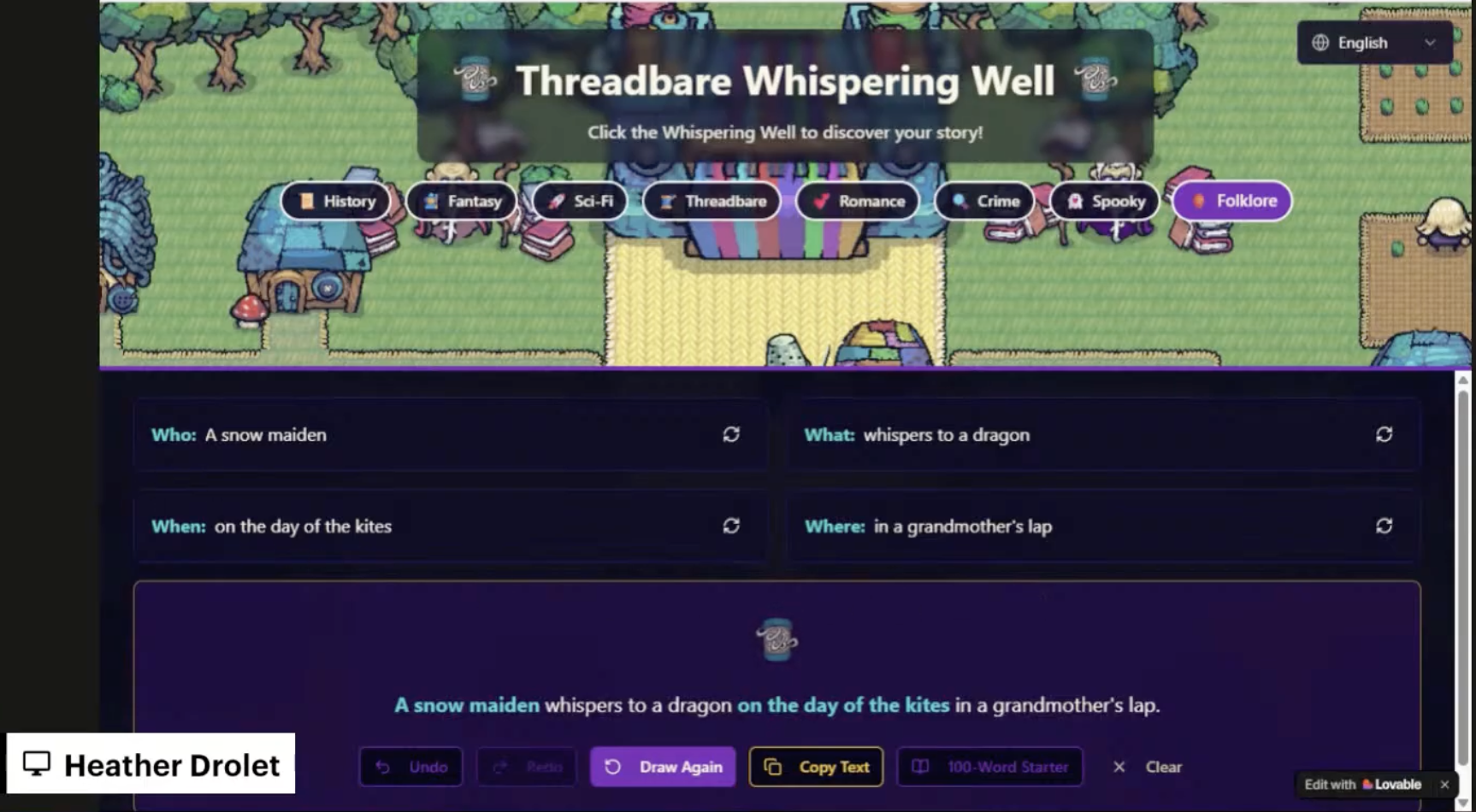
1. The Whispering Well (story ideas)
Lots of learners get stuck at the blank page, especially if they're writing in a second language, haven't had much chance to write creatively, or have dyslexia. You "whisper" into the well and get a story starter: a who, a what, a when, and a where. You can redraw any part you don't like and expand it into a 100-word opener. Heather landed on a snow maiden whispers to a dragon in the days of myths in a grandmother's lap, and decided on the spot that the grandmother was the dragon. Learners have generated 550 story ideas with it so far.
2. The Patchwork Shop (houses)
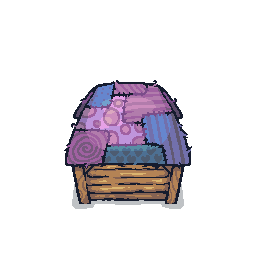
Every new town in Threadbare needs houses, and not every learner has a laptop that can run Godot. In some places we work, one laptop is shared by up to six kids. The Patchwork Shop runs in a browser (and offline), and lets you build a house from pieces made at the right scale for the game: patchwork roofs, doors, windows, spool chimneys, ivy, crates, clotheslines. Heather built a snowy house for her dragon grandmother, complete with purple socks drying outside. You can export it at game size, upscale it for social media, or drop it into a shared version of Fray's End with your class. So far, learners have built 767 houses.
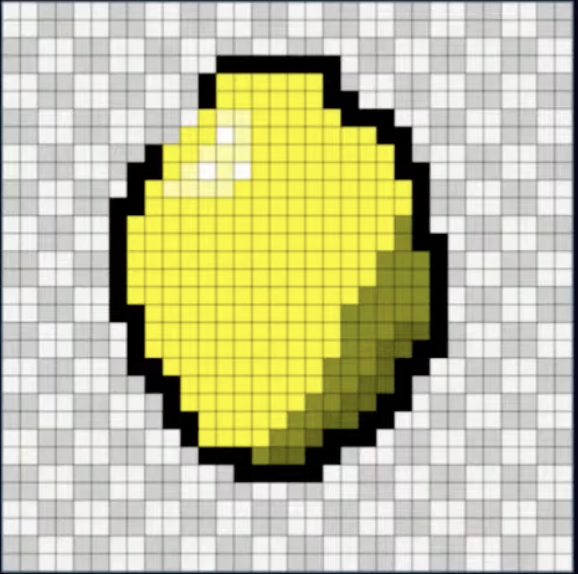
3. Pixel Stitch (pixel art). Lots of pixel art apps have so many tools that beginners get lost. Pixel Stitch keeps only what you need, uses Threadbare's canvas sizes (16, 32, 64, and 128 pixels), and gives you color palettes already organized into base color, two shades, and a highlight. Heather drew a dragon egg, outlined it in black, then erased a few outline pixels on purpose, because Threadbare's art style is a little rough by design. Imperfection is part of the look. Two animation frames later, she had a flashing egg ready to export as a PNG, GIF, or sprite sheet. Learners have made 1,436 pixel art assets up until now.
4. The Melody Loom (sound and music).
Record a sound, edit it, layer it with notes from a simple sequencer or built-in effects like wind, water, and storms, then export a WAV. Heather crinkled a piece of paper into her microphone to make the egg cracking. Learners have created 647 sounds and pieces of music.

From idea to game-ready in under an hour
By the end of the stream, Heather had a story, a house, a pixel art asset, and a sound effect. She never opened a game engine.
From there, you can submit your work through the save and submit button we're adding to each tool, and it goes into a library our team pulls from when building new quests and towns like Linenville. Or you can download Threadbare from GitHub, add your assets directly, and send your changes back to us.
We built these tools with Lovable, an AI-assisted app builder, so we could make them fit Threadbare's needs exactly. Together they're called the Tailor, and they'll live on our platform alongside Godot and Git guides. Make sure to keep an eye out because we have more tools on the way!
Yes, you can use them anywhere
One viewer asked whether they could use these tools and assets in other games. Absolutely. The tools are free, and anything you make is yours to use. Threadbare is open source too, which means someone might take your bat, tweak it, and use it in their own story quest - and you can do the same with theirs.
"This is really about making learning and asset creation as accessible as possible for everyone, anywhere in the world. Everyone belongs and play matters."
Stephen Reid, VP of Learning, Endless Access
Start making something
Watch the full episode to see every tool in action.
Build a house in the Patchwork Shop and add it to Fray's End.
Explore Threadbare and see where your assets could end up.
See our learning programs to use these tools with your learners.